
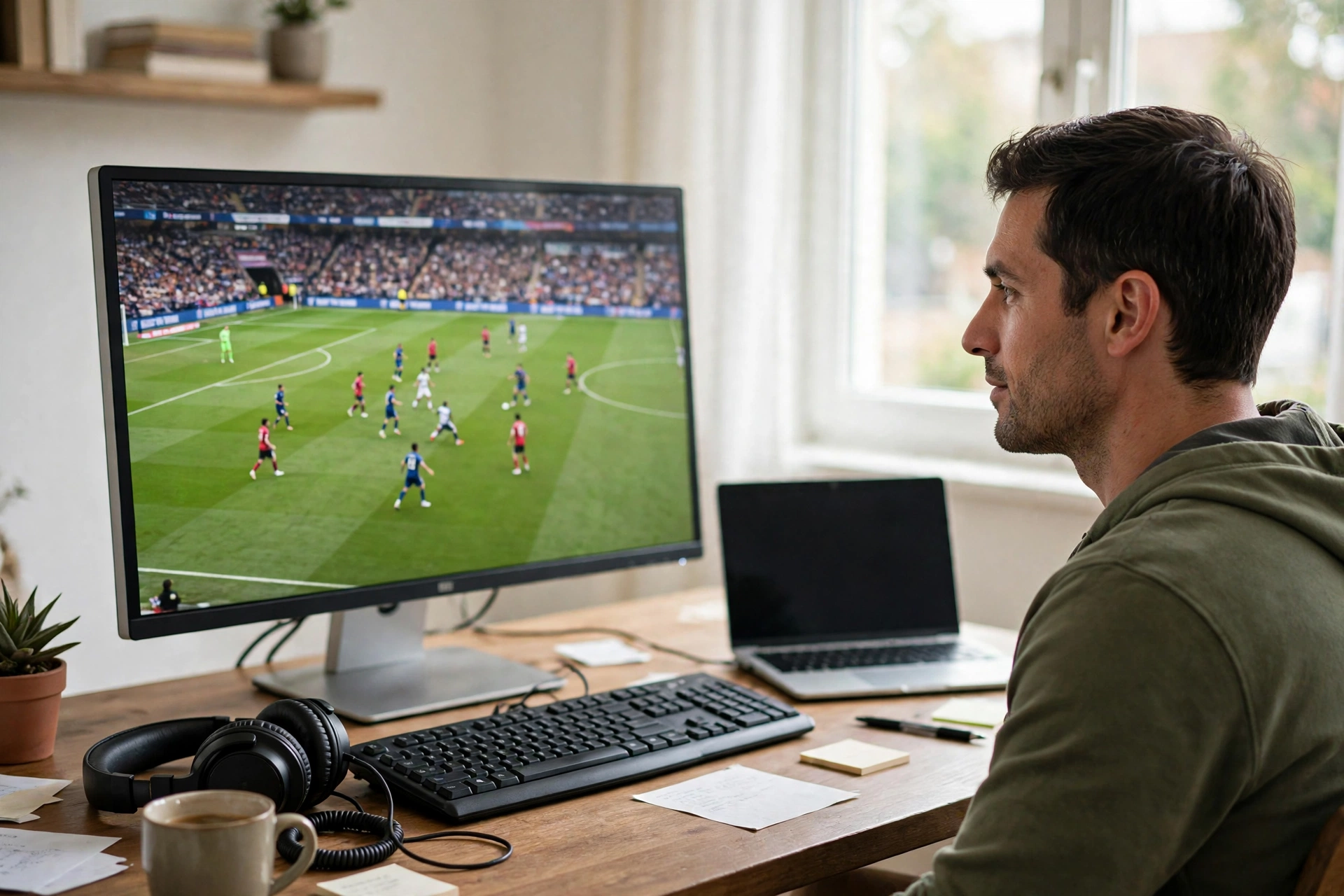
TiviMate on Windows PC: Install & Watch Guide (2026)
TiviMate on Windows PC is a question with an honest answer: there is no official TiviMate app for Windows, and any website offering a native Windows download is not selling the real thing.
This guide explains the emulator method step by step, the alternatives if you would rather not use one, and how to add your playlist once the app is running. It also covers the fake downloads to avoid, so you do not install malware while looking for the player.
1 month $19.99 · 3 months $39.99 · 6 months $59.99 · 12 months $99.99 (1 device)
First, the facts. TiviMate is an IPTV player app developed by AR Mobile Dev (Armobsoft FZE) for Android TV, Google TV, Fire TV and Android devices. It contains no channels of its own — you add a playlist from a provider such as 4K Media TV. The free version plays one playlist, while Premium, at about $9.99 a year or about $33.99 for a lifetime licence on up to five devices, unlocks multiple playlists, catch-up, recording and multi-view. Official details are on tivimate.com.
Can You Install TiviMate on Windows PC?
No — not as a native Windows app. The official site, tivimate.com, lists only Android platforms, and any site claiming to offer "TiviMate for Windows" as a direct download is offering something else — usually a repackaged file that may carry malware or ask for payment for a free app.
That does not mean you cannot watch on a PC. Our TiviMate IPTV player guide explains what the player does, and the TiviMate IPTV setup guide covers adding a playlist.
How Do You Setup TiviMate on Windows With BlueStacks?
- Download BlueStacks from its official website and install it on your Windows PC — it is free, but it needs a reasonably fast computer with at least 8 GB of memory.
- Open BlueStacks, sign in with a Google account, and open the Google Play Store inside the emulator.
- Search for TiviMate, install it, and open the app — you will see the same first-run screen as on a television.
- Choose Add Playlist and enter the M3U link or Xtream Codes login your provider sent you.
- Add the EPG source if one was sent, run Update EPG, and wait for the guide to fill.
To setup TiviMate this way, allow a little patience: the emulator takes a minute to start, and the first channel load is slower than on a television. Use the full-screen mode for the best picture, and keep BlueStacks updated, because older versions can stutter on 4K streams. If the app feels slow, close other programs — the emulator shares your computer's processor and memory with everything else running.
Stay Safe While Streaming
Downloading a player from an unofficial site is risky — your streams still pass through your internet connection, visible to your provider. A VPN also helps if your internet provider slows streaming traffic at peak hours, and it keeps your viewing private on shared networks. We recommend Surfshark VPN — it works on Shield, Firestick, Android TV and phones, allows unlimited devices, and is fast enough for 4K. Affiliate disclosure: if you sign up through our link we may earn a commission, at no extra cost to you.
If a stranger's "APK" link or a dodgy download ever asks for your details, it is a scam. Surfshark Scam Protection warns you about phishing links and fake apps before they reach you. Affiliate disclosure: we may earn a commission if you sign up through our link.
What Are the Best Alternatives to TiviMate on Windows?
The simplest alternative is to skip the PC entirely and watch on the television. TiviMate installs straight from the Play Store on Android TV and Google TV, and from the Downloader app on Firestick, and the remote and the big-screen guide make it a far better experience than a computer monitor. If your television runs Android TV, our TiviMate on Android TV guide covers the install in minutes.
Another option is to cast from your phone: install TiviMate on your Android phone, add the same playlist, and cast the screen to your television or a Chromecast. The phone becomes the remote, and the television shows the picture. A third option is a different player that does have a Windows version, such as VLC or a web player from your provider — but you lose TiviMate's guide, recording and multi-view. Our TiviMate on Android phone guide explains the phone setup, and the TiviMate vs IPTV Smarters comparison looks at a rival player.
Is TiviMate on Windows PC Worth the Effort?
It depends on how you watch. If the PC is your only screen, the emulator method is worth the ten minutes it takes: you get the real TiviMate guide, the same playlist and the same catch-up as on a television, and the free version is enough to test a provider's trial. Many people search for the app as "TV Mate" when they cannot find it in the Windows store — that spelling is just a common misspelling of TiviMate, and the app is the same one.
But if you own a television, a Firestick or an Android TV box, use that instead: the player was designed for the remote and the big screen, and it shows. Whatever screen you choose, you still need a provider playlist — TiviMate is a player only. 4K Media TV offers 57,000+ channels and 185,000+ movies and series, with a free 24-hour trial and plans from $19.99 for one month. Start the trial on WhatsApp at +212 638 196 267 and test it on the screen you actually watch.
Frequently Asked Questions
Is there an official TiviMate app for Windows?
No. TiviMate is made for Android TV, Google TV, Fire TV and Android devices, and the developer has never released a Windows version. The only way to run it on a PC is an Android emulator such as BlueStacks.
Is BlueStacks safe to use for TiviMate?
Yes, when you download BlueStacks from its official website. It is a well-known emulator used by millions of people. Avoid copies from other sites, and never download an emulator from a link in a video description or a forum post.
Can I use my TiviMate playlist on Windows?
Yes. Your provider playlist works in TiviMate inside the emulator, and the same M3U link or Xtream Codes login works on your television and phone too. One plan can cover up to four devices at the same time.
Why do some sites offer a TiviMate for Windows download?
Those downloads are not the official app — there is no Windows version to download. They are often repackaged files that may contain malware or ask for payment. Only install TiviMate from the Play Store, inside an emulator or on Android.
Related Guides
- TiviMate IPTV Setup: How to Setup TiviMate (2026 Guide)
- SetupTiviMate: The Complete TiviMate Setup Guide (2026)
- Best IPTV for TiviMate on Firestick in 2026 (Guide)
- Best IPTV for TiviMate: What to Look For and Our Pick (2026)
- Best IPTV Subscription for TiviMate: Buyer Guide (2026)
- Buy IPTV for TiviMate on Firestick: Order Guide (2026)
Try 4K Media TV free for 24 hours: message us on WhatsApp at +212 638 196 267 and we will set up your free trial for TiviMate — 57,000+ channels, 185,000+ movies and series, plans from $19.99.
Try 4K Media free for 24 hours
Full Premium access — every channel, every match, all VOD — free for a full day.
See Premium Plans Get 24H Trial