
How to Install TiviMate on Firestick: Step-by-Step Guide (2026)
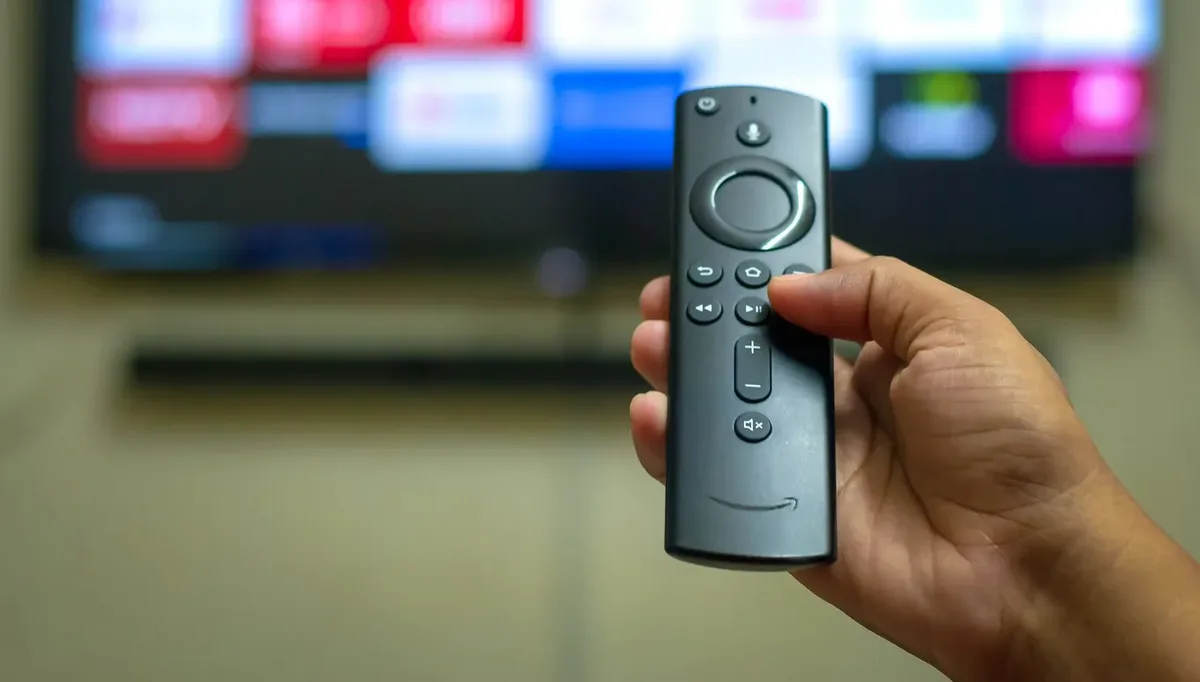
The Firestick is the most popular streaming stick in the world, and TiviMate is the IPTV player most Firestick owners ask for by name. There is only one catch: TiviMate is not listed in the Amazon Appstore, so you cannot install it the normal way. The good news is that sideloading it with the free Downloader app takes about ten minutes, needs no computer and no technical skills, and this guide walks through every single tap.
By the end you will have TiviMate installed, your playlist added, your TV guide loaded and your first channel playing. If you get stuck on any step, read it again slowly — almost every failed install comes down to one mistyped character or one skipped setting, both of which we flag as we go.
1 month $19.99 · 3 months $39.99 · 6 months $59.99 · 12 months $99.99 (1 device)
What Do You Need Before You Start?
You need four things: a Firestick or Fire TV device connected to your TV and Wi-Fi, the remote, about ten minutes, and an IPTV subscription that gives you a playlist — an M3U link or Xtream Codes login. TiviMate itself contains no channels at all; it is the player, and your subscription is the content. If you do not have a subscription yet, our guide to the best IPTV for TiviMate explains what to look for, and the full TiviMate IPTV setup guide covers Android TV as well.
One more preparation step saves a lot of frustration: write your playlist details down exactly as your provider sent them, or keep the message open on your phone. Playlist links are long, and the Firestick on-screen keyboard is slow. Many users type the link into Downloader first and copy it, or use the Fire TV app on their phone as a keyboard, which is far faster.
How to Install TiviMate on Firestick, Step by Step?
- Install Downloader. From the Firestick home screen choose Find, then Search, type “Downloader”, and install the orange app by AFTVnews. It is free and is the standard tool for this job.
- Enable Developer Options. Go to Settings, then My Fire TV, then About, and press the select button on your device name seven times until you see “You are now a developer”. Go back one screen and Developer Options will now appear.
- Allow Downloader to install apps. Open Developer Options, choose “Install unknown apps”, and switch Downloader to ON. Without this step the install will fail at the last moment.
- Download TiviMate. Open Downloader, enter the official TiviMate download address in the URL field, and download the installer file. Only ever download TiviMate from its official source — modified copies from random sites are a known source of malware.
- Install and clean up. When the download finishes, choose Install, wait a few seconds, then choose Done — not Open. Downloader will offer to delete the installer file; accept, because Firesticks have very little free storage.
- Open TiviMate and add your playlist. Find TiviMate in Your Apps, open it, choose Add Playlist, and pick M3U playlist or Xtream Codes, depending on what your provider sent you. Enter the details carefully, name the playlist, and wait while the channels load.
- Load the guide. If your provider sent a separate EPG link, add it under Settings, then Playlists, then your playlist. Give the guide a few minutes to populate the first time.
That is the complete install. Press the menu button on the remote to browse channel categories, hold the select button on a channel to add it to favourites, and you are watching.
Stay Safe While Streaming
On a Firestick, everything you stream passes through your internet provider, which can see which services you connect to. A VPN also helps if your internet provider slows streaming traffic at peak hours, and it keeps your viewing private on shared or public networks. We recommend Surfshark VPN — it works on Firestick, Android TV and phones, allows unlimited devices on one account, and is fast enough for 4K. Affiliate disclosure: if you sign up through our link we may earn a commission, at no extra cost to you.
Which Firestick Settings Make TiviMate Run Better?
Three small tweaks make a real difference. First, move TiviMate to the front row of your home screen: highlight the app, press the menu button, and choose Move to front, so it is always one click away. Second, free up storage — Firesticks slow down badly when storage is nearly full, so delete apps you never use and clear the cache of heavy apps in Settings, Applications, Manage Installed Applications. Third, if your router supports it, connect the Firestick to the 5 GHz Wi-Fi band rather than 2.4 GHz; it is faster and less crowded, which matters for 4K streams.
If channels later start freezing, do not reinstall everything in a panic. Work through our TiviMate buffering fixes in order — most freezing is a network issue, not an app issue. And if the TV guide shows “No information”, our EPG setup and fix guide covers that exact problem.
Is TiviMate Premium Worth It on Firestick?
The free version of TiviMate plays one playlist perfectly well, and for a single Firestick in one room it may be all you need. Premium unlocks multiple playlists, catch-up TV, recording, a proper favourites manager and more guide options, for about $9.99 a year or about $33.99 for a lifetime licence covering up to five devices. You buy Premium inside the separate TiviMate Companion app on an Android phone, then sign in inside TiviMate on the Firestick. Our full comparison in TiviMate Premium vs Free breaks down every difference so you can decide with the facts in front of you.
Frequently Asked Questions
Is TiviMate free on Firestick?
Yes. TiviMate is free to download and use with one playlist. Premium is an optional upgrade, bought separately in the TiviMate Companion app, that unlocks multiple playlists, catch-up, recording and extra guide features on up to five devices.
Why is TiviMate not in the Amazon Appstore?
Amazon does not list TiviMate in its Appstore, so Firestick owners install it by sideloading with the free Downloader app. This is a normal, widely used method and does not require rooting or modifying the Firestick in any risky way.
Do I need a Downloader code for TiviMate?
You need the official TiviMate download address, which you type into Downloader. Always use the developer’s official source. Avoid random “codes” shared on forums and video comments, because unofficial copies can be outdated or tampered with.
TiviMate installed but my playlist will not load — what now?
Check the playlist link character by character, confirm your subscription is still active, and make sure you chose the right type — M3U link versus Xtream Codes login. One wrong character is the most common cause of a playlist failing to load.
Related Guides
- TiviMate IPTV Setup: The Ultimate Easy Guide for Firestick & Android TV (2026)
- TiviMate Premium vs Free: Price, Features and Is It Worth It? (2026)
- TiviMate EPG Setup and Fix: TV Guide Not Working? (2026)
- TiviMate Buffering Fixes: 9+ Ways to Stop Freezing (2026)
- Best IPTV for TiviMate: What to Look For and Our Pick (2026)
Try 4K Media TV free for 24 hours: message us on WhatsApp at +212 638 196 267 and we will set up your free trial for TiviMate — 57,000+ channels and 185,000+ movies and series, Premium plans from $19.99.
Try 4K Media free for 24 hours
Full Premium access — every channel, every match, all VOD — free for a full day, ready to load into TiviMate.
See Premium Plans Get 24H Trial