
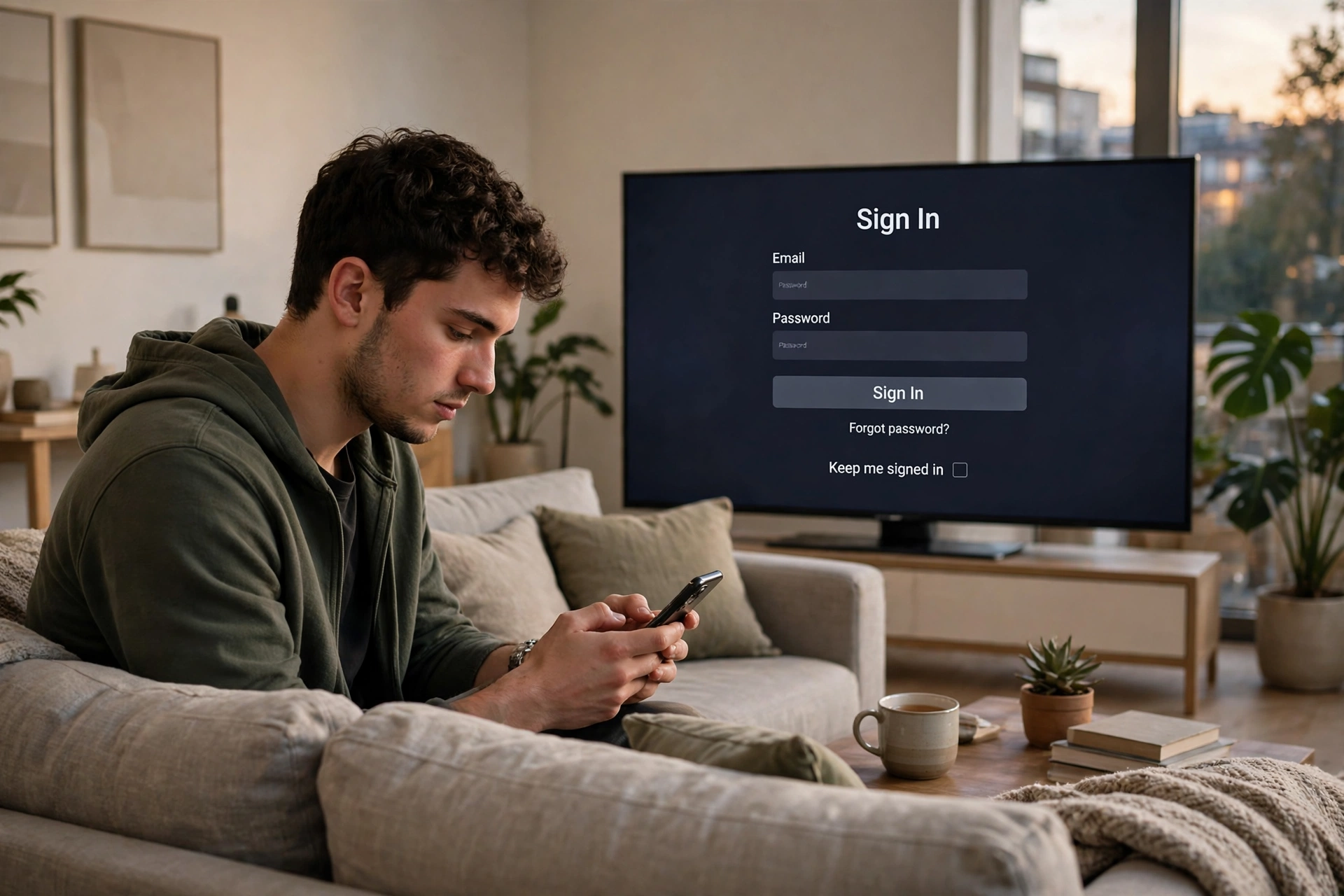
TiviMate Not Working? 11 Fixes That Actually Work (2026)
Few things are more annoying than sitting down to watch and finding TiviMate not working — a black screen, a playlist error, endless loading, or the app closing by itself. The good news is that TiviMate itself is a stable app, and in our support experience the cause is almost never the app itself: it is the cache, the network, the storage or the playlist. This guide gives you 11 fixes in the order you should try them, from the 30-second ones to the full reset.
Work down the list and stop when it works — the early fixes solve most cases, so the order matters.
1 month $19.99 · 3 months $39.99 · 6 months $59.99 · 12 months $99.99 (1 device)
For context: TiviMate is an IPTV player by AR Mobile Dev (Armobsoft FZE) for Android TV, Google TV, Fire TV and Android devices. It plays the playlist your provider gives you — it has no channels of its own — so faults split into app, device and provider problems. Premium (about $9.99 a year, or about $33.99 lifetime, up to five devices) adds recording and extra features but does not change basic playback. Our full TiviMate IPTV setup guide shows a healthy setup to compare against.
What Are the 11 Fixes for TiviMate Not Working?
- Restart the device properly. Not sleep — a real restart from Settings, or unplug the TV or stick for 30 seconds. This alone fixes a large share of "suddenly broken" reports.
- Check the internet on that device. Open another app or a speed test. If nothing loads, it is your network, not TiviMate: restart the router and try the 5 GHz band or Ethernet.
- Force-stop TiviMate and clear its cache. Settings, Apps, TiviMate: Force stop, then Clear cache (not Clear data). Corrupted cache is the classic cause of black screens and crashes after updates.
- Check your subscription is active. An expired plan looks exactly like an app fault — channels vanish or every stream errors. Confirm with your provider before changing anything else.
- Update the playlist. Open Settings, Playlists, your playlist, and update it. Providers change links and lists; a stale playlist means missing channels and dead streams.
- Re-enter the playlist details. One wrong character in an Xtream Codes password or M3U link breaks everything. Retype carefully, or re-add the playlist from the original message your provider sent.
- Free up storage. Devices with nearly full storage crash apps and fail updates. Delete unused apps and old recordings, and keep at least 500 MB free.
- Update TiviMate and the device software. Install the latest TiviMate and any pending system update, then restart.
- Check the EPG separately. If channels play but the guide is empty, the app is fine — the guide source is the problem. Our EPG setup and fix guide handles that case on its own.
- Rule out buffering look-alikes. Constant freezing on live channels is usually network or provider load, not a broken app — work through the TiviMate buffering fixes in order.
- Reinstall TiviMate cleanly. Last resort: uninstall, restart, install fresh from the official source, and add your playlist again. Note your settings first — a reinstall resets them.
Stay Safe While Streaming
Everything you stream passes through your internet provider, which can see the services you connect to and may slow streaming traffic at busy times. A VPN keeps your viewing private and can help with that throttling. We recommend Surfshark VPN — it runs on Android TV, Google TV, Firestick and phones, allows unlimited devices on one account, and is fast enough for 4K streams.
One more cause: modified copies of TiviMate from random sites. They crash, fail updates and can carry malware. Install only from the Play Store or the official source, and consider Surfshark Antivirus to catch tampered apps before they cause trouble.
Affiliate disclosure: if you sign up through our link we may earn a commission, at no extra cost to you.
TiviMate Not Working After All That? How to Tell If It Is the App, Device or Provider
Run this two-minute test before reinstalling anything. First, open a different streaming app on the same device: if it also fails, your internet or device is at fault. Second, try your playlist on another device: if the playlist fails everywhere, the provider has the problem and no amount of app fiddling will help. Third, if only TiviMate fails while everything else works, the fix is in the list above — cache, playlist refresh or reinstall, in that order. For stopped recordings, see our TiviMate recording guide.
Still stuck after all 11 fixes? Send your provider a short message with your device model, what you see on screen, and which fixes you tried. A good provider — the kind of support we run on WhatsApp for 4K Media TV customers — can check your account in a minute and tell you if the fault is at their end.
Frequently Asked Questions
Why does TiviMate keep saying playlist error?
A playlist error usually means the link or login details are wrong, the subscription has expired, or the provider's server is down. Re-type the details exactly as sent, and contact your provider if the error appears on every device at once.
Will clearing TiviMate's data delete my playlists?
Clearing cache does not — it only removes temporary files. Clearing data (storage) resets the app completely and removes playlists, favourites and settings, so use it only as a late step and keep your playlist details saved somewhere before you do it.
Why is TiviMate not working after an update?
Updates occasionally reset a permission or trip over old cached data. Restart the device, clear the app cache, and check that storage permission is still granted. If the problem started with the update itself, reinstalling the current version cleanly fixes most cases.
Is it TiviMate or my provider that is down?
Test two things: another app or website on the same device (checks your internet), and your playlist on a second device (checks the provider). If everything fails on one device only, it is the device or app; if the playlist fails everywhere, it is the provider.
Related Guides
- TiviMate IPTV Setup: The Ultimate Easy Guide for Firestick & Android TV (2026)
- TiviMate Buffering Fixes: 9+ Ways to Stop Freezing (2026)
- TiviMate EPG Setup and Fix: TV Guide Not Working? (2026)
- How to Record in TiviMate: DVR Setup Guide (2026)
- How to Install TiviMate on Firestick: Step-by-Step Guide (2026)
Try 4K Media TV free for 24 hours: message us on WhatsApp at +212 638 196 267 and we will set up your free trial for TiviMate — 57,000+ channels and 185,000+ movies and series, Premium plans from $19.99.
Try 4K Media free for 24 hours
Full Premium access — every channel, every match, all VOD — free for a full day, ready to load into TiviMate.
See Premium Plans Get 24H Trial